Walk tracking
Start, pause, and save every walk, with time, distance, and route included.
Now in free iPhone beta
PawMiles turns everyday walks with your dog into a living record of the places, milestones, and moments you share.
Free during beta. Built for dogs—and the people who love exploring with them.
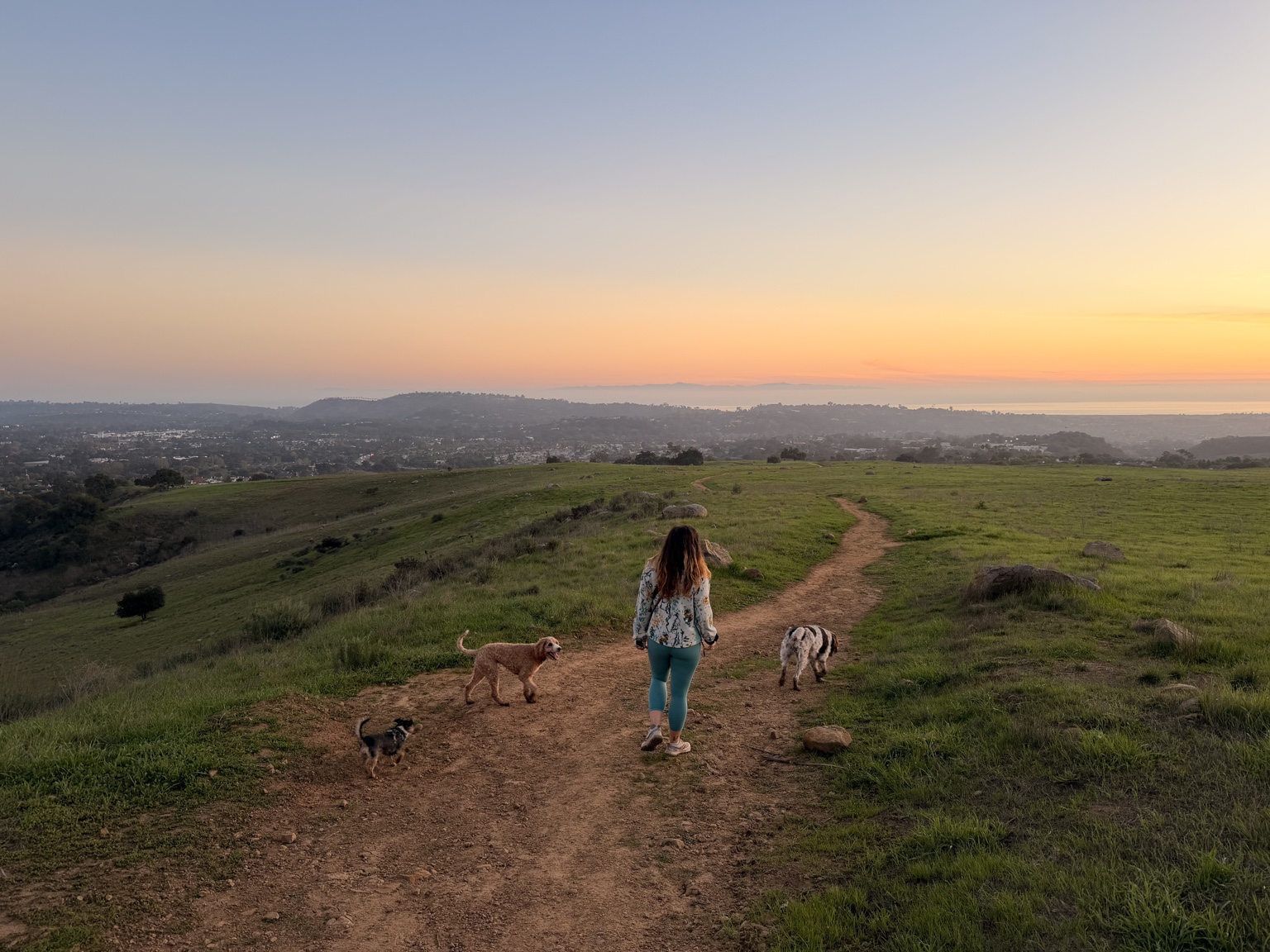
Some walks are just a walk. The ones with your dog become part of your story.
Made for every kind of walk
From the route you took to the dogs beside you, PawMiles makes every memory easy to keep.
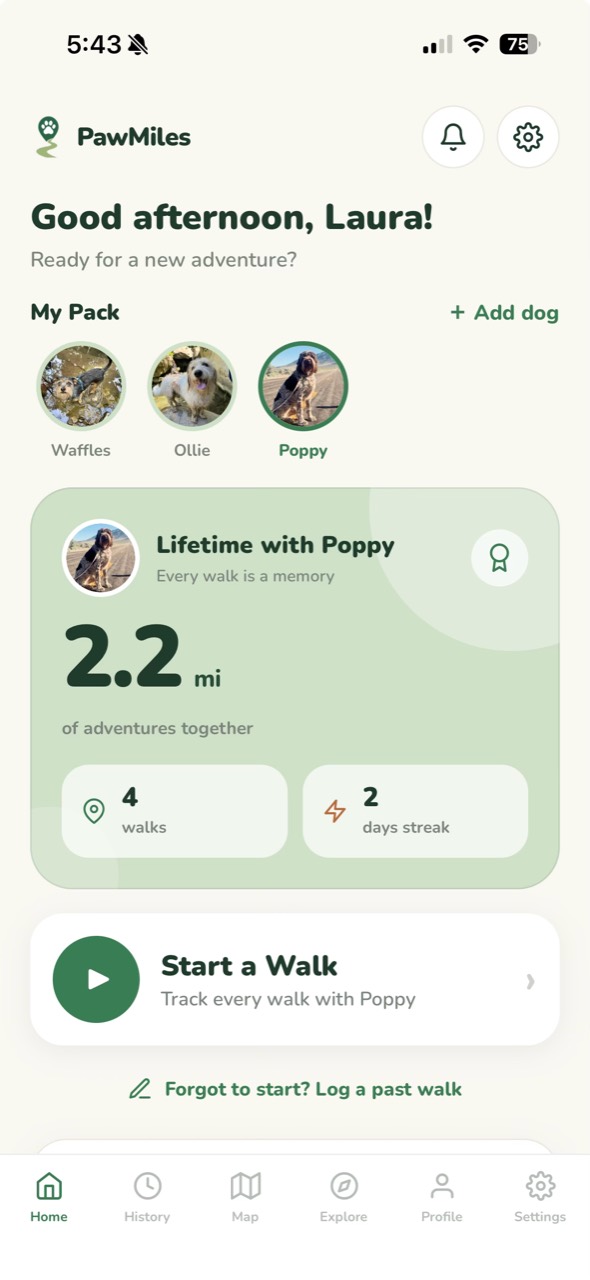
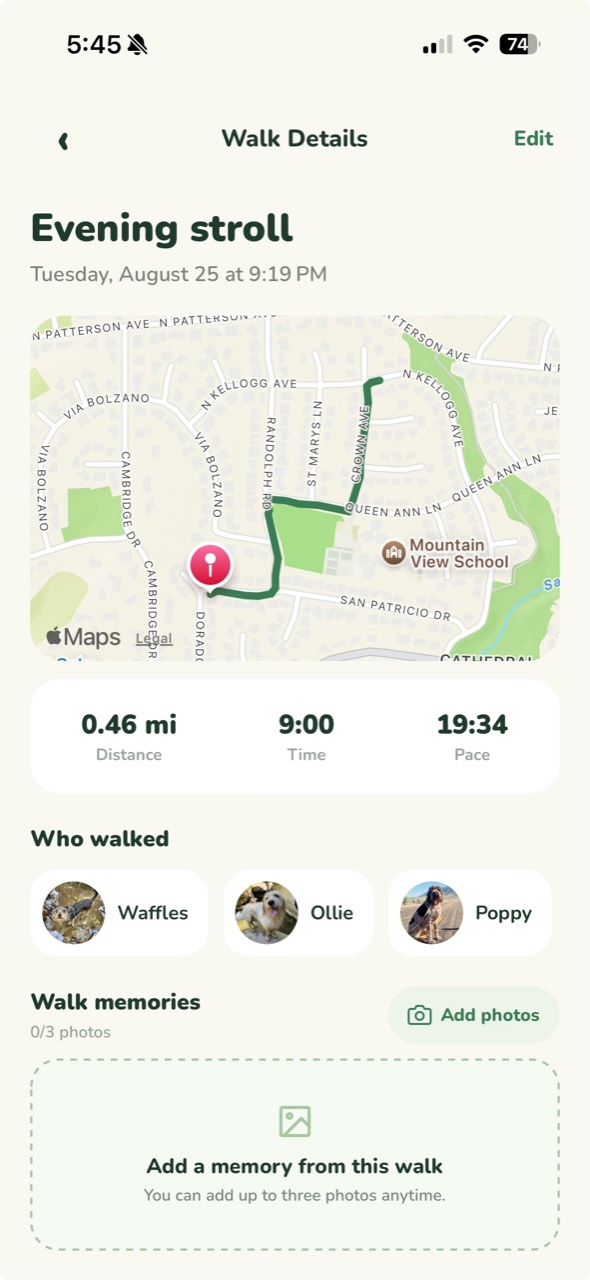
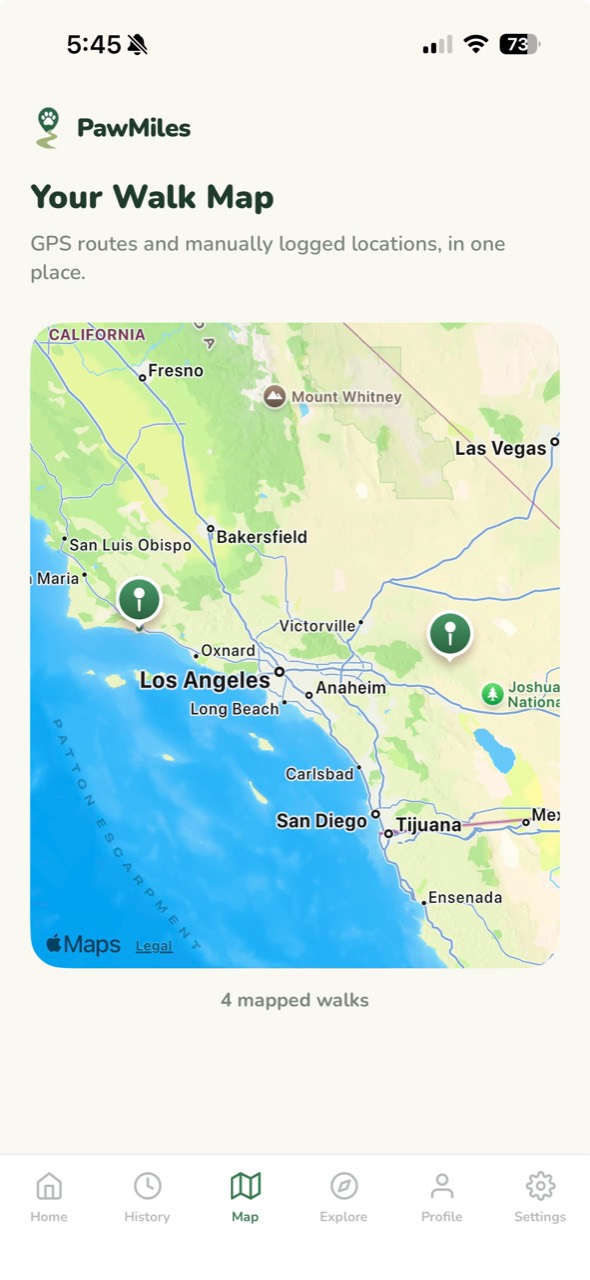
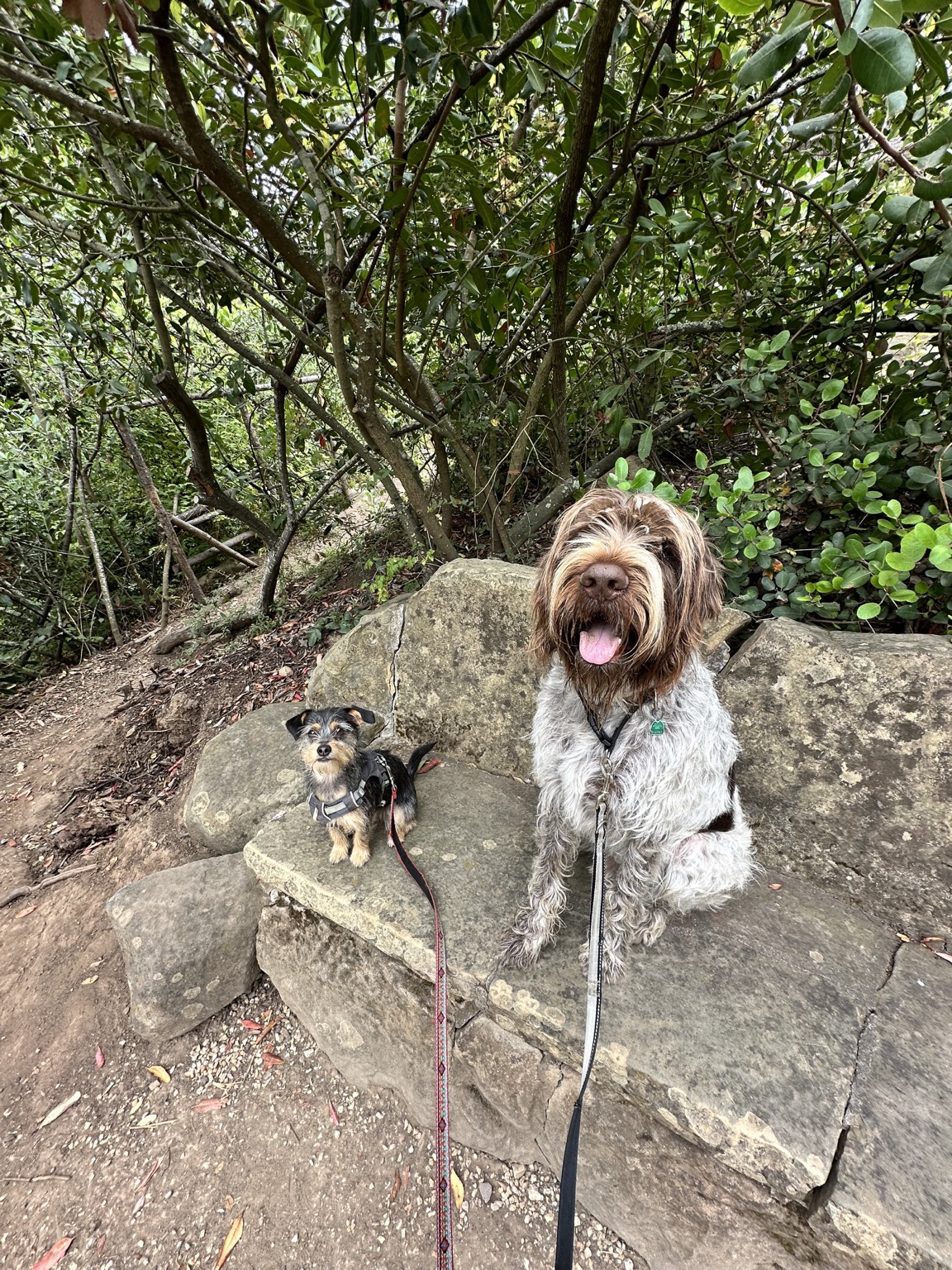
Your story, in motion
PawMiles makes that view possible. Track the walk in front of you, then watch a lifetime of shared adventures take shape.
Pick the dogs who are coming along and press go.
Save photos, a note, and the little details worth remembering.
Celebrate every mile, streak, and milestone you reach together.
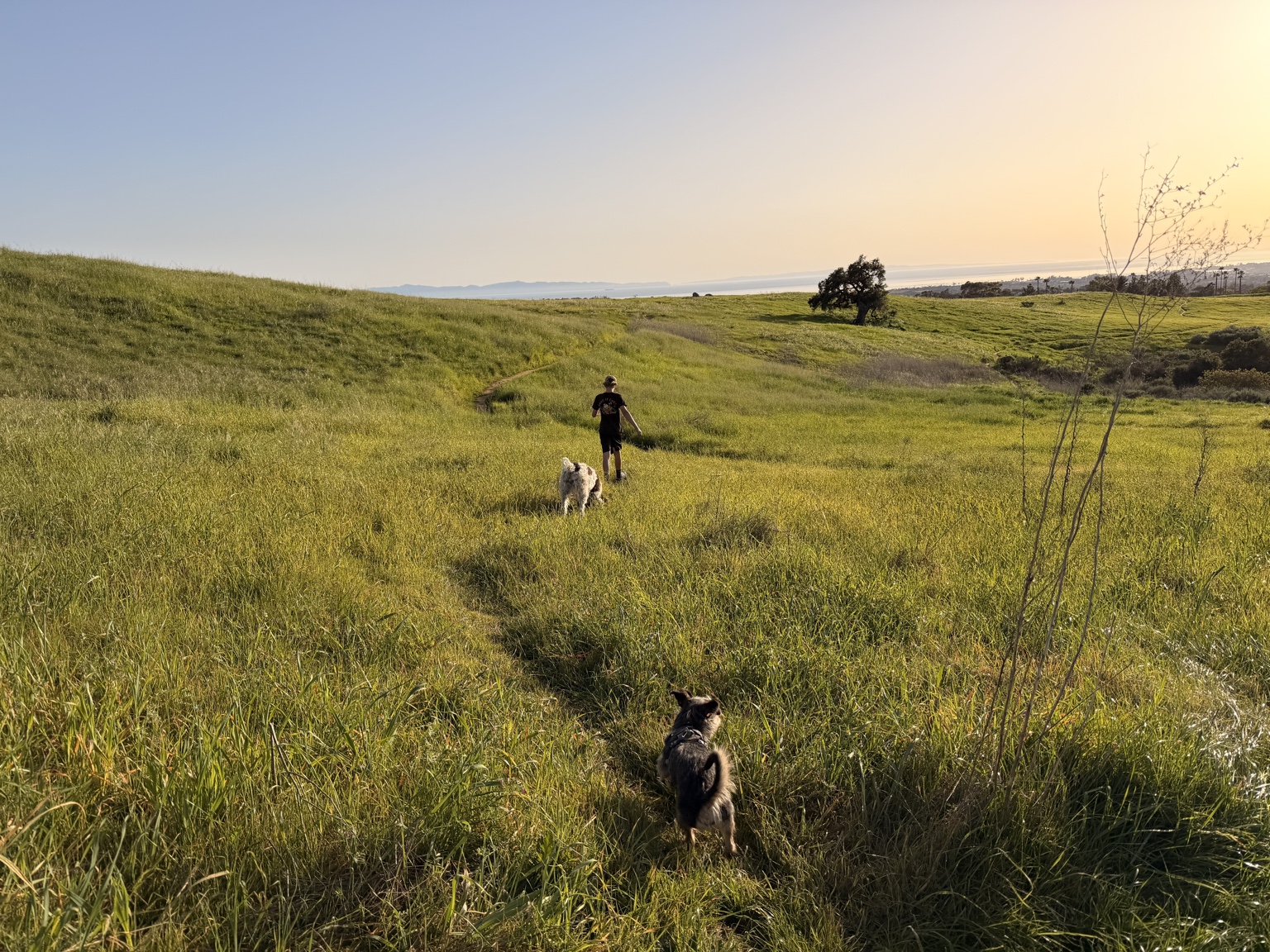
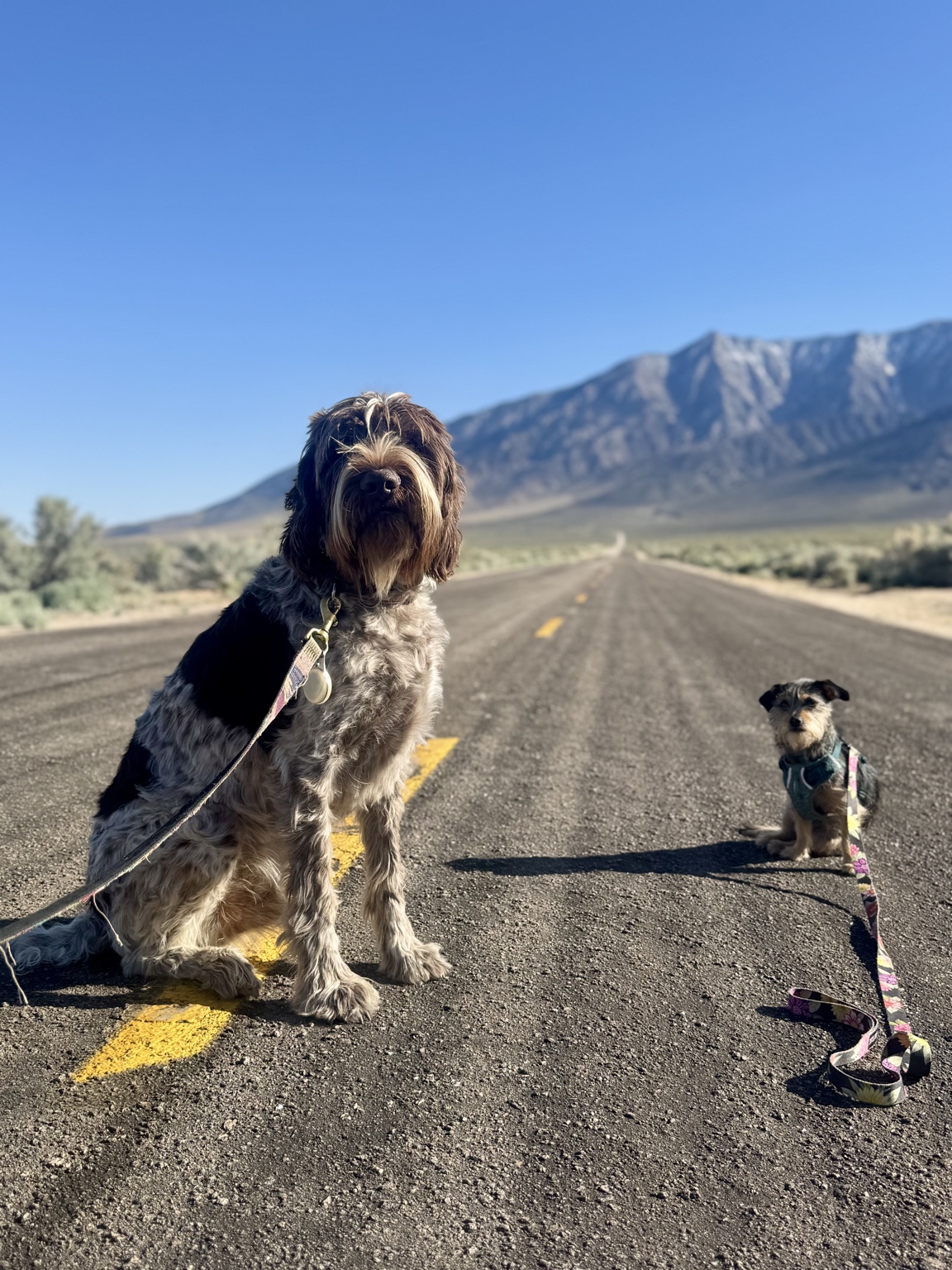
Made for the journey
Simple when you are on the move. Meaningful long after the walk is over.
Start, pause, and save every walk, with time, distance, and route included.
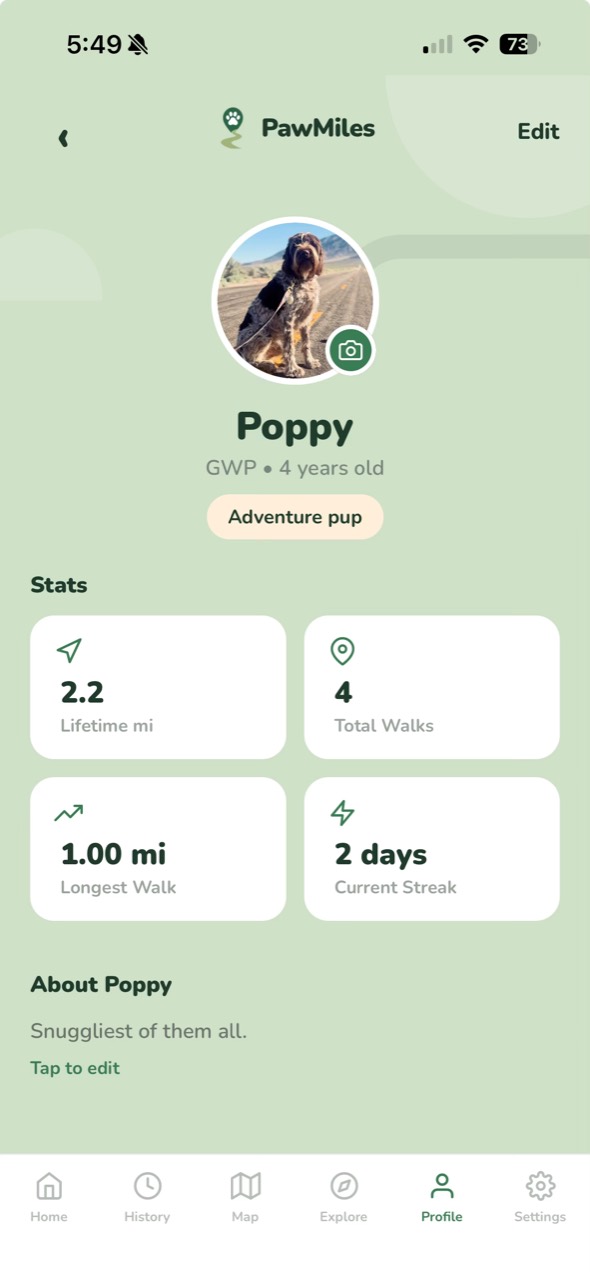
See the miles, streaks, and adventures that make up your shared story.
Keep each dog’s milestones, longest walks, and memories in one place.
Add photos and notes so the moments behind the miles do not disappear.
Little wins, lasting stories
From the first walk to 1,000 miles, PawMiles marks the moments worth celebrating.
You and Poppy have turned ten miles into a story worth keeping.
Good to know
PawMiles is currently a free iPhone beta through TestFlight. Join the launch-update list for Android and App Store news. Features can change during testing; current availability is not a promise that every future feature will always be free.
On iPhone, open Settings → Apple Health → Enable walk suggestions and allow Workouts access. PawMiles checks completed walking and hiking workouts from the last seven days when you open or return to the app. Choose the dogs who came along and confirm Save walk. Nothing is automatically logged or shared, and there are no background Health notifications yet.
Apple returns no workouts both when none are available and when read access is off. PawMiles cannot tell the difference. Open Health → your profile picture → Apps (or Apps and Services) → PawMiles to review Workouts access. Suggestions enabled in PawMiles is a separate setting. Imported and overlapping recorded walks are skipped; reviewing a suggestion also clears older ones from the queue. A normal stroll may not appear unless it was recorded as a walking or hiking workout.
No. Only the workout date, time, duration and distance are copied after you confirm the dogs. A Health import without a GPS route shows No route recorded. Deleting it in PawMiles does not delete the original workout in Health. Turn off suggestions in PawMiles and revoke access separately in Health.
Tap Invite a friend in PawPack and send the code. Your friend enters it under Already have an invite, reviews who invited them and accepts. Accounts without a name are asked for one. Each friendship is separate: your friends do not automatically connect with each other.
Only walk memories you explicitly share: your name, dogs and their photos, optional walk photo, date, distance, duration, title, note and place label. Exact GPS routes stay out of the shared summary. Your own shared walks also appear in your feed. Friends can send positive emoji reactions; comments are not part of the current feed. Photo-free covers are illustrations, not photos of the actual walk.
Yes. Use the three-dot menu on your own shared walk to remove it from that connection. Expand the friend list in PawPack and choose Remove to end a connection. Your original walks remain in History. Copies someone saved or shared outside PawMiles cannot be recalled.
Use the photo button on the active walk to take a memory photo. If PawMiles closes, reopen it and look for the option to resume the saved active walk. Keep location permissions enabled for locked-screen tracking; force-quitting can interrupt recording and recovery cannot recreate missed GPS points.
Tap Start a Walk on Home, choose the dogs coming along, and allow location access. You can pause, resume, and end the walk from the tracking screen.
Yes. Use Log a past walk on Home, then add its details and up to three photos.
Confirm Location Services and Precise Location are on for PawMiles. For locked-phone tracking, allow background location access. GPS can be less accurate indoors, near tall buildings or with a weak signal. Health imports do not include a route.
Open Settings, then Notifications. Enable the daily reminder and choose a time. System notification permission must also be enabled.
Yes. Open a walk from History and use Add photos under Walk memories.
Open History, select the walk, then tap Edit to update its details and participating dogs.
A streak counts consecutive calendar days with a saved walk, including manually logged walks.
Yes. Add dogs from Home or My Dogs and choose a dog to see its profile and statistics. Use Delete at the bottom of its profile to remove it. Historical walks remain.
Settings → Delete account removes the sign-in account, owner profile, dogs and walks and attempts removal of associated photos and local preferences. Current beta limitation: PawPack posts, connections, invitations, reactions, older comments and separate email records are not all automatically removed. Remove shared posts and connections first where possible, and email support@getpawmiles.com for remaining shared data or email-list removal. Apple or Google may ask you to sign in again to authorize deletion.
Walk with us first
Have an iPhone? Try PawMiles free today. Android and App Store launch updates are coming next.
Get the iPhone beta →